
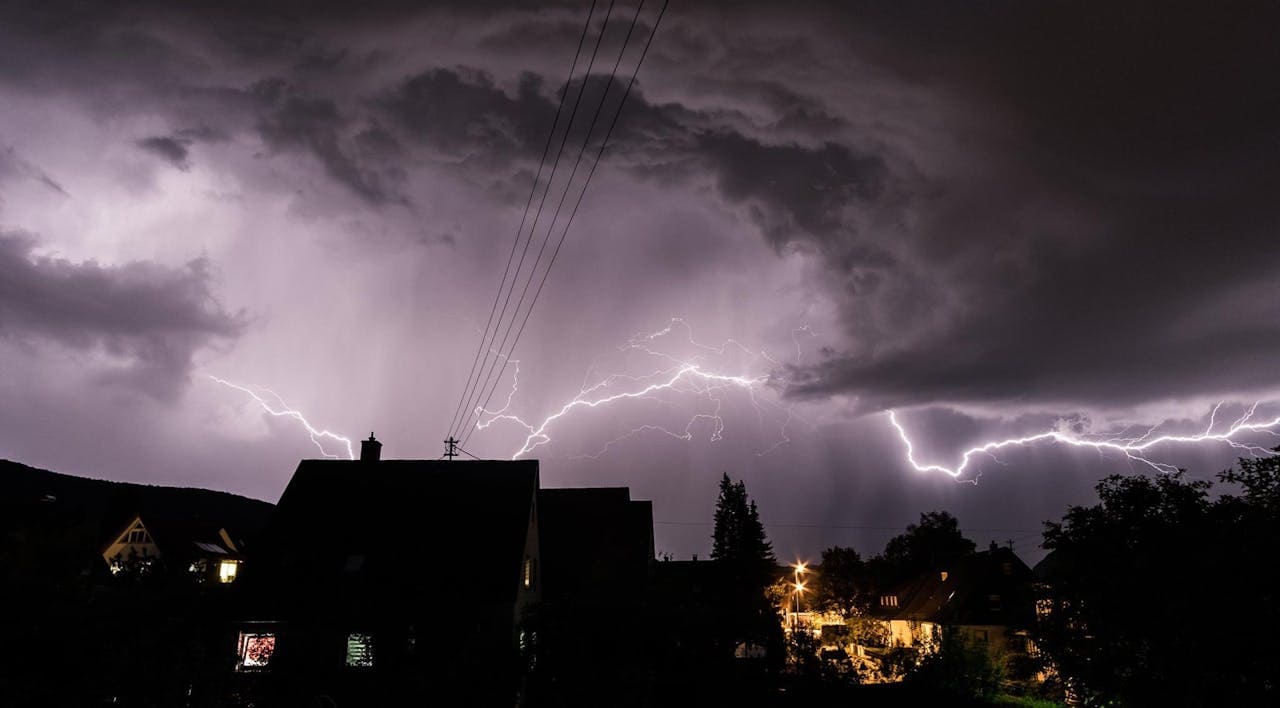
A summer storm rolls through your county, and your rural internet connection drops, just like it did last month, and the month before that. If you live outside a major city, you’ve probably experienced the frustration of weather-related internet outages. Rural areas face a unique challenge: their internet infrastructure is often more exposed to weather threats and less protected than urban networks.
The good news is that you can take meaningful steps to minimize outages and stay connected when storms hit. By understanding how weather affects rural internet, preparing your home network, and working with your service provider, you can reduce downtime and protect your connectivity. This article walks you through practical strategies that work.
Weather doesn’t affect all internet users equally. Rural areas experience outages at significantly higher rates than cities because their infrastructure is spread thin, less redundant, and more vulnerable to environmental damage.
Understanding Weather’s Impact
Weather is one of the leading causes of rural internet outages. Heavy rain, snow, ice, high winds, and lightning can all disrupt your connection. Understanding what causes these failures helps you prepare better and know when to expect problems.
Common Weather-Related Outage Causes
Lightning strikes are particularly damaging. A single strike can knock out equipment miles away from where it actually hits. Your equipment, transformers, or the cables carrying your signal can all fail when lightning passes through nearby power lines.
Heavy rain and snow create different problems. Water seeps into cable connections and underground infrastructure. Snow weighs down power lines and can snap poles that support internet cables. Ice storms are especially destructive because ice accumulation adds significant weight to wires and structures.
High winds don’t always snap poles outright, but they can damage antennas, topple equipment, and loosen connections. Wind also moves trees, and falling branches regularly take down power and internet lines. In rural areas, trees near infrastructure are common because there’s less room to trim branches safely.
Temperature extremes stress equipment. Very cold weather can make connections brittle and fail, while extreme heat can damage electronics. Your service provider’s equipment in the field faces these conditions constantly without climate control.
Why Rural Areas Vulnerable
Rural internet infrastructure operates at a disadvantage compared to urban networks. Cities have dense populations that justify expensive upgrades and redundancy. Rural areas spread the same infrastructure across fewer people over much greater distances.
Infrastructure Limitations In Rural Regions
Rural internet relies on longer cable runs. A single power outage can affect dozens of households because fewer connection points exist. Urban areas have multiple redundant paths, so traffic reroutes around failures. Rural networks often have one main path, so a single break means service stops.
Maintenance happens less frequently in rural areas. Service providers prioritize areas with more customers. A small rural town might wait weeks for a repair crew while a suburban area gets service the next day. Weather damage accumulates faster than repairs can fix it.
Infrastructure age is another factor. Rural areas often have older equipment that’s less weather-resistant than newer systems. Providers upgrade urban networks first, leaving rural customers with outdated, more fragile systems. Aging equipment fails more often during extreme weather.
Power reliability affects internet reliability. Rural power grids are also less redundant. When power lines go down, both electricity and internet stop because modern internet equipment needs power. Rural residents often experience more power outages than city residents, which directly impacts internet availability.
Preventive Measures Home Network
You control some factors that affect your home internet reliability. Taking steps to protect your equipment and create backup options puts you in charge of your connectivity.
Equipment Protection And Maintenance
Your home router and modem need protection. Install them indoors, away from windows and exterior walls. Outdoor equipment faces direct weather exposure and should have protective enclosures. Check for water damage or corrosion regularly, especially after storms.
Surge protection matters more in rural areas. Lightning can travel through power lines and through your home’s electrical system. A quality surge protector on your modem and router prevents damage when lightning strikes nearby. Replace surge protectors every few years because they degrade over time.
Cable connections need attention. Water and corroded connections cause signal loss and complete failures. Check your external cables for cracks, gaps, or exposed wires. Keep connection points clean and dry. Waterproof tape can seal small gaps, but replace damaged cables entirely.
Main line inspection should happen yearly. Walk your property line and look for damage to cables entering your home. After storms, look for new damage immediately. Report visible damage to your service provider, they’re responsible for maintaining lines up to your home’s entry point.
Backup Connectivity Solutions
Cellular hotspots provide emergency backup. If your home internet fails, a mobile hotspot keeps you connected. Most plans offer limited data, so this works for essential tasks. Keep your phone charged or invest in a portable battery.
Satellite internet serves as a second connection. Services like Starlink offer satellite options with improved speed and reliability compared to older satellite systems. If you can afford it, having satellite internet as backup ensures you stay connected during extended outages. Check coverage in your area before committing.
Create a communication plan with neighbors. If your internet is down, someone else’s might be working. Knowing where to get connectivity during outages matters. Library hotspots and community centers often have free internet available during business hours.
Consider a generator or battery backup. Your modem and router still need power during outages. A small solar panel or battery backup system keeps devices running for several hours. This buys time during short power outages and lets you maintain basic connectivity.
Working With Your Provider
Your internet service provider has responsibility and resources you don’t. Building a cooperative relationship helps you get faster repairs and better service.
Report outages promptly. Providers track outage patterns. If you report every outage with details about weather conditions and exact timing, your provider has documentation. This helps them build a case for infrastructure improvements in your area.
Ask about preventive maintenance schedules. Your provider should have regular inspection and maintenance routines. If they don’t prioritize your area, asking questions draws attention. Request to be notified about scheduled maintenance that might affect you.
Inquire about service credits during outages. Many providers offer credits for service downtime. You must request them, and they rarely offer automatically. Check your service agreement for outage credit policies. Document each outage with dates and duration for your claim.
Discuss weather-related issues directly. Tell your provider how weather impacts your area. Ask what they’re doing to improve resilience. Whether they can solve it or not, your feedback matters. Providers collect this information to justify infrastructure investments to company leadership.
Ask about available alternatives. Some providers offer multiple connection types. You might be able to switch from one type to another. Some areas have multiple service providers competing. Shopping around occasionally reminds your current provider you have options.
Advocating Resilient Infrastructure
Individual actions help, but systemic change requires advocacy. Rural internet infrastructure needs investment, and investment requires pressure from people who use these services.
Join local advocacy groups focused on broadband access. Organizations exist in many rural areas dedicated to improving internet access and reliability. These groups have more influence with service providers and government agencies than individuals do. They track outages, document problems, and present cases for improvement.
Contact elected representatives. Local and state officials influence broadband funding and regulation. They want to hear from constituents about infrastructure problems. Write letters, attend town meetings, and mention broadband issues when given the opportunity. Government funding programs sometimes target rural broadband, and local support helps secure this funding.
Participate in broadband surveys and studies. Universities and government agencies research rural broadband. Participating in surveys provides data that supports funding requests. This research often leads to policy changes and investment decisions.
Support broadband funding initiatives. When state or federal funding becomes available for rural broadband, communities with organized support get priority. Vote for leaders who support rural broadband investment. Attend planning meetings where broadband improvements are discussed.
Consider this comparison of rural internet challenges:
| Challenge | Impact | Your Control |
|---|---|---|
| Long cable runs | More outages from single failures | Low |
| Aging equipment | More frequent failures | Low |
| Weather exposure | Direct weather damage | Low |
| Maintenance delays | Longer repair times | Low |
| Power reliability | Internet depends on power | Low |
| Home equipment | Local signal reception | High |
| Backup options | Alternative connections | High |
| Advocacy efforts | Future infrastructure | High |
You can’t control infrastructure problems alone, but you can be part of collective action that changes things.
Planning Extended Outages
Some outages last days or weeks. Extreme weather can damage infrastructure so badly that full repairs take time. Planning for extended outages keeps you functional when normal internet fails.
Emergency Preparedness Strategies
Create offline copies of essential files. Download documents, photos, and information you need regularly. Store them on your computer or external drive. If internet fails, you still have access to important information.
Keep cash available. Internet outages often mean payment systems fail. Stores might not accept cards. Having cash in your home ensures you can buy necessities during extended outages.
Maintain a manual communication list. You probably have phone numbers saved in your phone, but can you call people if your phone dies? Write down important phone numbers. Keep them updated. You’ll be glad you did if your phone battery dies.
Store supplies thoughtfully. Extended outages often mean stores have limited stock. Keep extra food, water, medications, and batteries. A week’s worth of non-perishable food and bottled water is reasonable for rural areas.
Set up alternative work arrangements. If your job requires internet, make a backup plan with your employer. Can you work from somewhere else? Should you take vacation days? Plan this before an outage happens so you’re not scrambling during the emergency.
Keep batteries and charging devices ready. Phone chargers that work without electricity exist. Solar chargers and hand-crank chargers provide emergency power. Keep them accessible. Test them occasionally to make sure they work when you need them.
Frequently Asked Questions
Why does rural internet go down more often than urban internet during storms?
Rural internet infrastructure is spread thin with fewer redundant connections. A single cable break affects many households, while cities have multiple rerouting options. Rural equipment is older, less protected, and repaired more slowly than in urban areas.
How can I protect my home modem and router from weather-related outages?
Install equipment indoors away from windows and exterior walls. Use quality surge protectors on power lines and replace them every few years. Check cables for water damage or corrosion regularly. Keep external cables clean and dry, using waterproof tape for small gaps.
What’s the best backup internet option for rural areas?
Cellular hotspots provide quick emergency backup with limited data. Satellite internet like Starlink offers reliable secondary connections. Battery backup systems keep your modem running during power outages. Having a communication plan with neighbors ensures access to community hotspots if needed.
Does lightning cause rural internet outages even if it doesn’t strike directly?
Yes, lightning can travel miles through power lines and damage equipment far from the strike location. Your modem, transformers, and cables carrying signal can all fail from nearby strikes. This is why surge protection is critical in rural areas vulnerable to lightning.
How should I prepare for extended rural internet outages lasting days or weeks?
Download essential files offline, keep cash available for stores, and maintain a written list of phone numbers. Stock non-perishable food, water, and medications for a week. Set up alternative work arrangements with your employer beforehand and keep solar chargers or hand-crank devices ready.
What can I do to get my internet service provider to improve rural infrastructure?
Report every outage with weather details and timing to document patterns. Join local broadband advocacy groups with more influence than individuals. Contact elected representatives about rural broadband funding. Participate in broadband surveys and support government infrastructure initiatives.
Read More:

Susan is a professional writer. She has been a writer for eight years and has always been so fulfilled with her work! She desires to share helpful, reliable, and unbiased information and tips about tech and gadgets. She hopes to offer informative content that can answer users’ questions and help them fix their problems.