Chrome Android Back Button Not Working (Causes and Fix It in Minutes)
Chrome Android back button not working? Fix frozen navigation, redirect loops & gesture issues with cache clearing, updates & gesture tweaks.

Chrome Android back button not working? Fix frozen navigation, redirect loops & gesture issues with cache clearing, updates & gesture tweaks.
YouTube not working in Chrome? Fix black screens, freezing, and playback errors with 12 proven diagnostic steps. Clear cache, disable extensions, update Chrome.
Fix Chrome downloads stuck at 99% or blocked. 8 proven solutions: clear cache, fix permissions, disable extensions, update Chrome, & more.
Fix Chrome Picture in Picture not working. Clear cache, disable extensions, update drivers, and reset flags to restore floating video windows on YouTube, Netflix, Twitch.
Fix Chrome extensions not working with this step-by-step guide. Resolve greyed-out, crashing, or disabled extensions in minutes.
Chrome autofill not working? Fix form auto-fill issues with 8 proven solutions: verify settings, clear cache, disable extensions, update Chrome, and restore sync in minutes.
Fix Chrome audio not working with our step-by-step guide. Troubleshoot muted tabs, volume mixer settings, driver issues, and hardware acceleration problems.
Chrome not working? Try 11 proven fixes for crashes, freezes & errors. Clear cache, disable extensions, update drivers & more. Detailed steps for all devices.
Fix Chrome spell check not working with 12 verified solutions. Enable settings, clear cache, disable conflicting extensions, and restore red underlines instantly.
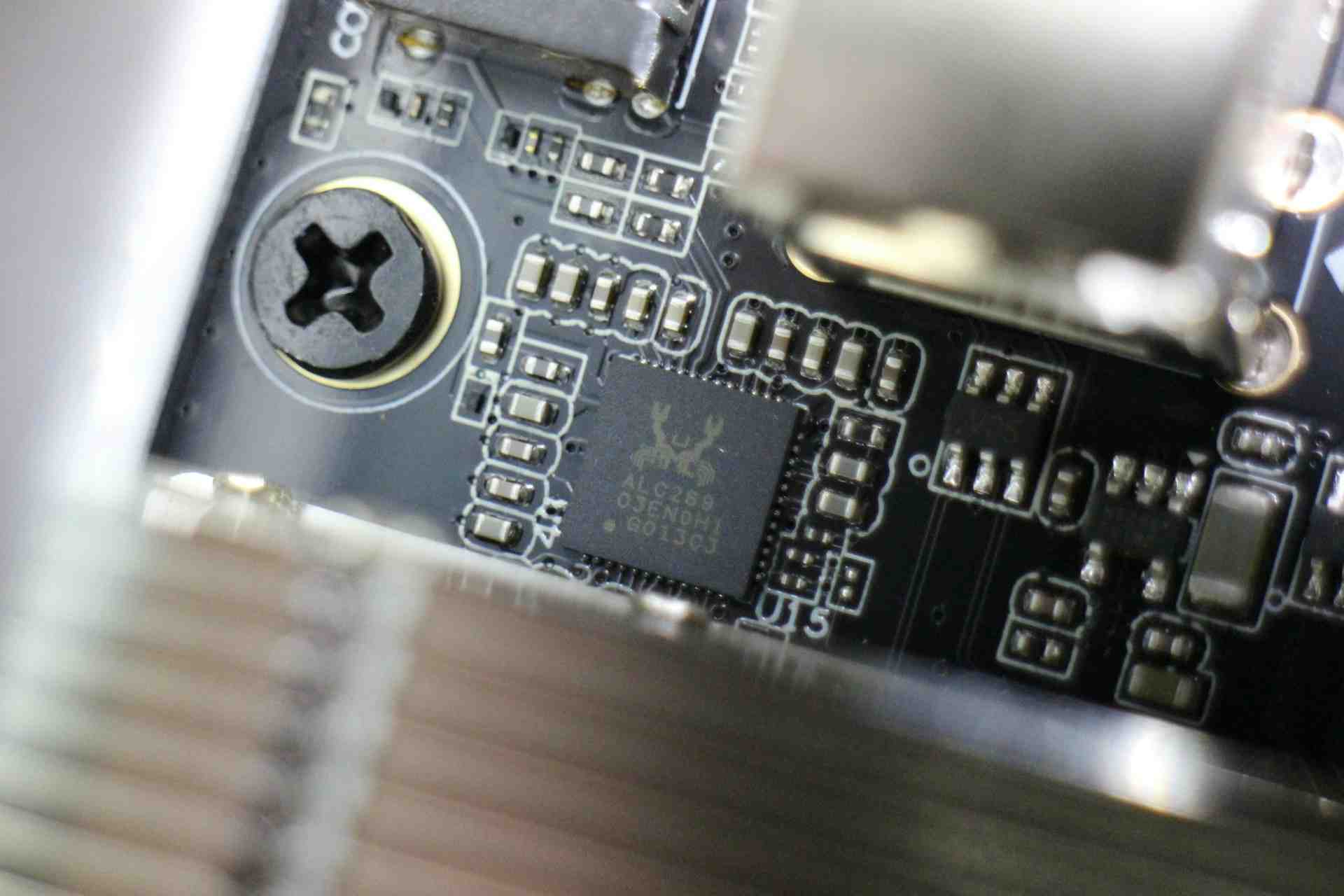
Fix Realtek microphone not working with driver updates, audio settings & troubleshooting steps. Restore full functionality on Windows 10 & 11.