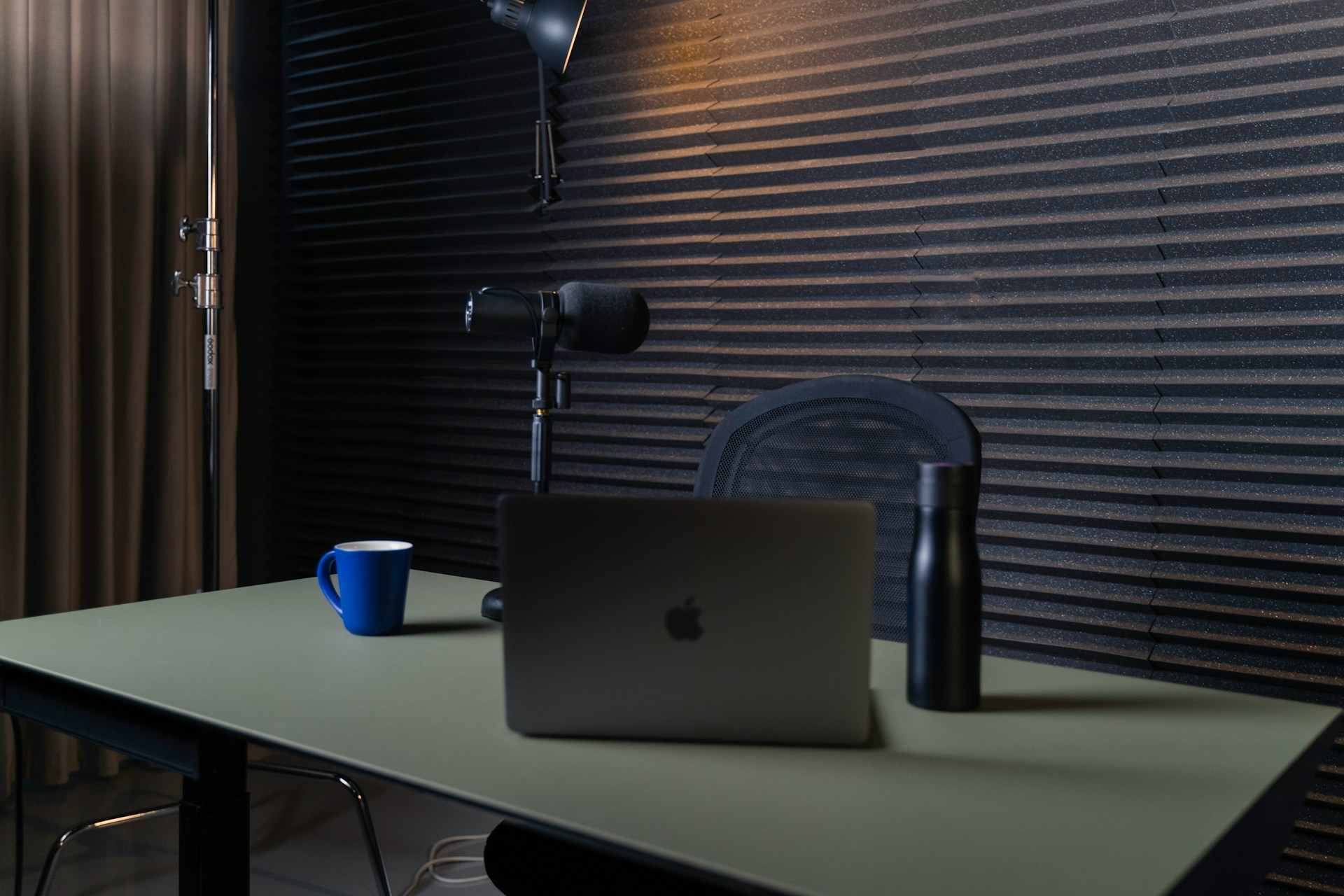
MacBook Pro Microphone Not Working (Here’s the Expert Fixes)
Fix your MacBook Pro microphone in under 3 minutes. Check permissions, reset CoreAudio, and troubleshoot every issue from app settings to hardware diagnostics.
Samsung microphone not working but speaker does? Fix it fast with our complete troubleshooting guide covering software fixes, hardware checks, and professional repair options.
Sonos One microphone not working? Fix muted toggles, reconnect voice assistants, power cycle, update firmware, or factory reset. Restore hands-free control now.
Fix Zoom microphone not working on Windows 11. Enable mic permissions, select correct device, update drivers, and disable audio enhancements—troubleshooting guide inside.
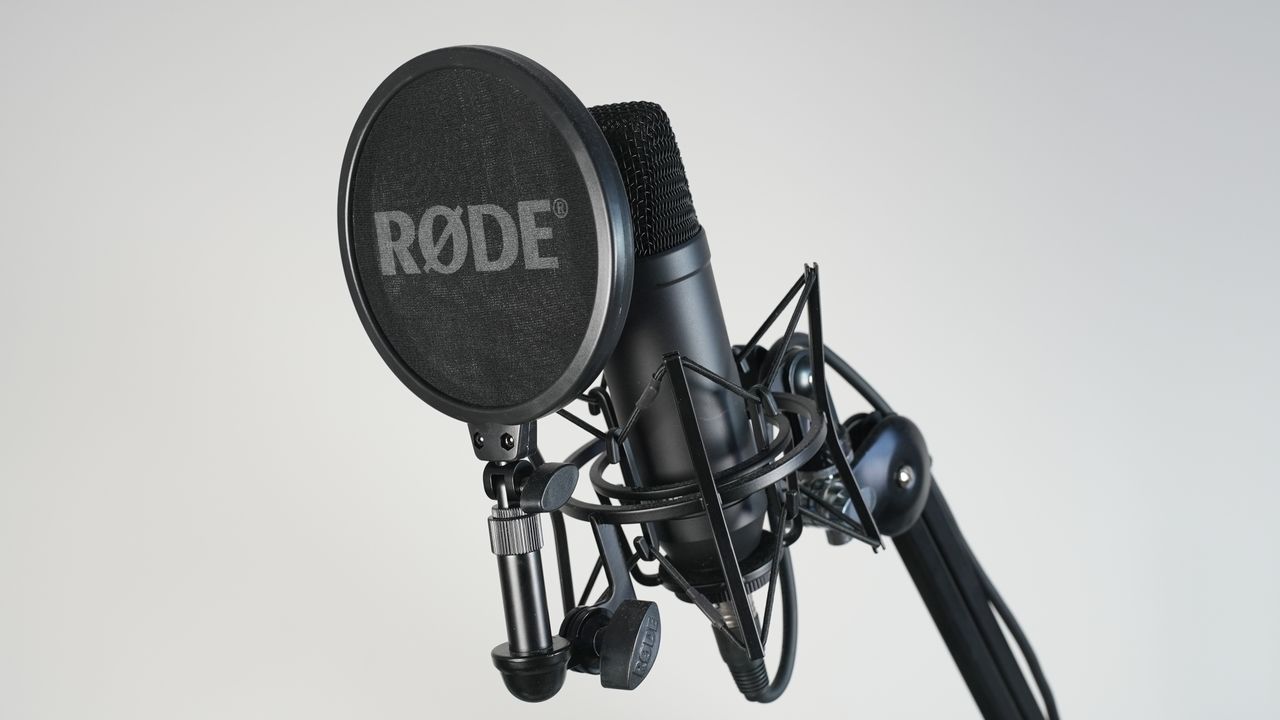
Fix USB microphone not working: troubleshoot drivers, USB ports, Windows settings, permissions, and app routing for Blue Yeti, HyperX, Elgato mics.
Tesla microphone not working? Learn the top causes and fast fixes for voice commands, phone calls, and audio issues across all models.
Fix MacBook microphone not working with step-by-step diagnostics. Check settings, reset CoreAudio, clear dust, and troubleshoot Zoom, Teams, FaceTime issues.
Fix Xfinity remote microphone issues with 6 quick troubleshooting steps. Restore voice commands, check batteries, clean mic port, and reset pairing today.
WhatsApp microphone not working? Fix voice notes & calls in minutes with permission checks, hardware tests, updates, and proven troubleshooting steps.
Fix Messenger microphone not working: Check permissions, clear cache, update app, and resolve Bluetooth conflicts. Step-by-step guide for iPhone, Android, and desktop.