Lenovo ThinkPad Microphone Not Working (Here’s the Quick Fix Guide)
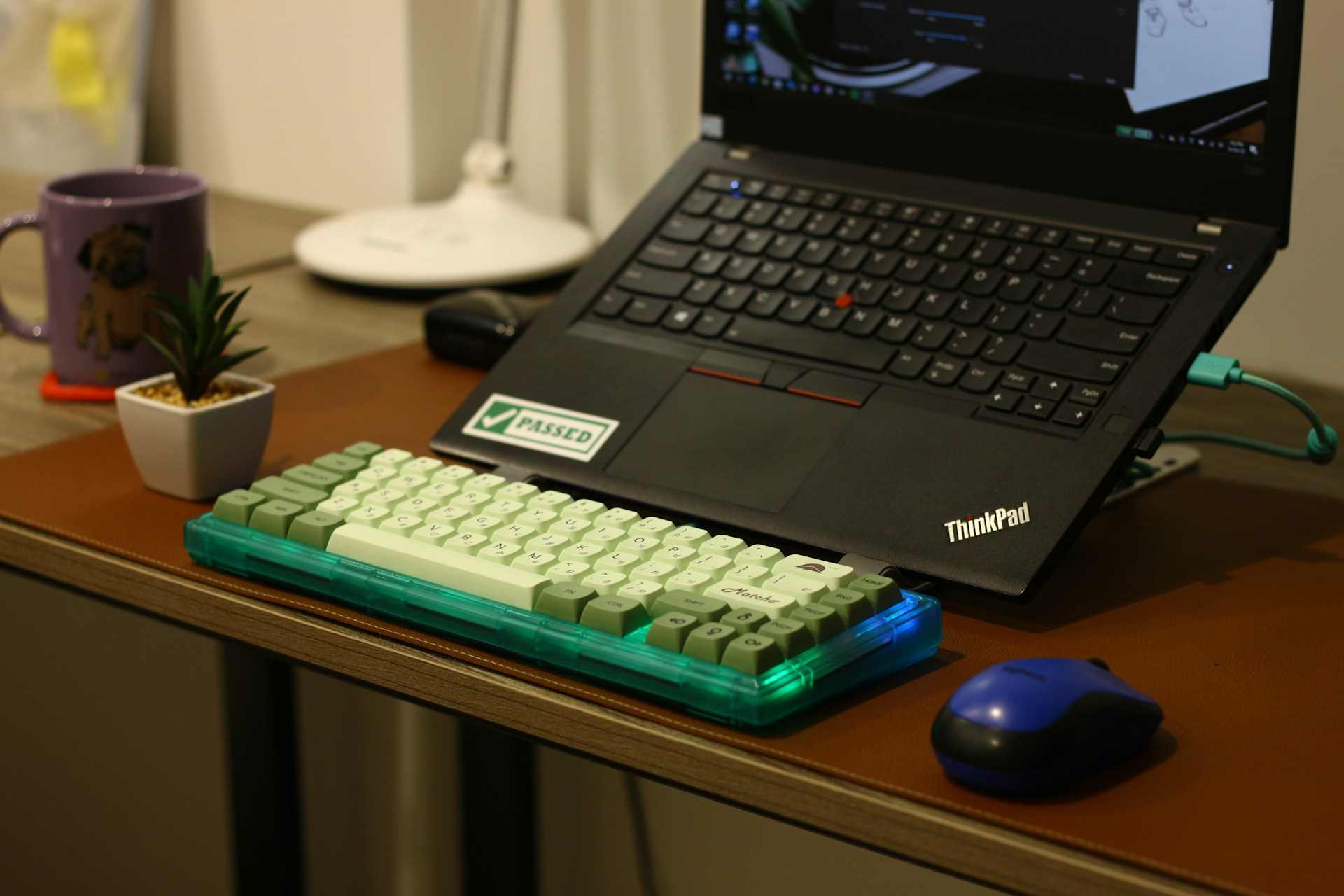
Fix your Lenovo ThinkPad microphone in 5 minutes. Check F4 mute key, privacy settings, driver updates, and more with this complete troubleshooting guide.

Fix your Lenovo ThinkPad microphone in 5 minutes. Check F4 mute key, privacy settings, driver updates, and more with this complete troubleshooting guide.
Stop microphone feedback loops instantly. Learn what causes your mic to hear itself, plus software and hardware fixes from audio engineers.
Stop your microphone from picking up desktop audio. Learn why it happens and find step-by-step fixes for Discord, Windows, and hardware.
Microphone repeats your voice? Learn why audio loopback happens and fix it in Windows, Mac, Discord, Zoom, and Teams with expert troubleshooting steps.
Microphone double voice ruins streams and calls. Fix it in minutes: disable Windows monitoring, audit OBS audio sources, and eliminate duplicate mic routing—no technical skills required.
Fix microphone monitoring echo: Disable Windows “Listen to this device,” adjust DAW buffer settings, and identify hardware monitoring loops causing delayed voice feedback.
Microphone echo from speakers ruins calls & streams. Learn what causes feedback, plus 10 proven fixes: positioning, volume control, software settings & hardware solutions.

Fix microphone echo on laptop: Disable audio enhancements, adjust mic boost, update drivers, and use headphones. Quick solutions for Zoom and Teams.
Eliminate microphone echo when streaming with routing fixes, software settings, and hardware solutions. Stop feedback loops and audio doubling in OBS today.
Fix microphone echo in Teams with proven software tweaks, hardware upgrades, and room isolation strategies for crystal-clear calls.