Quest 3 Microphone Not Working (Here’s What to Do First)
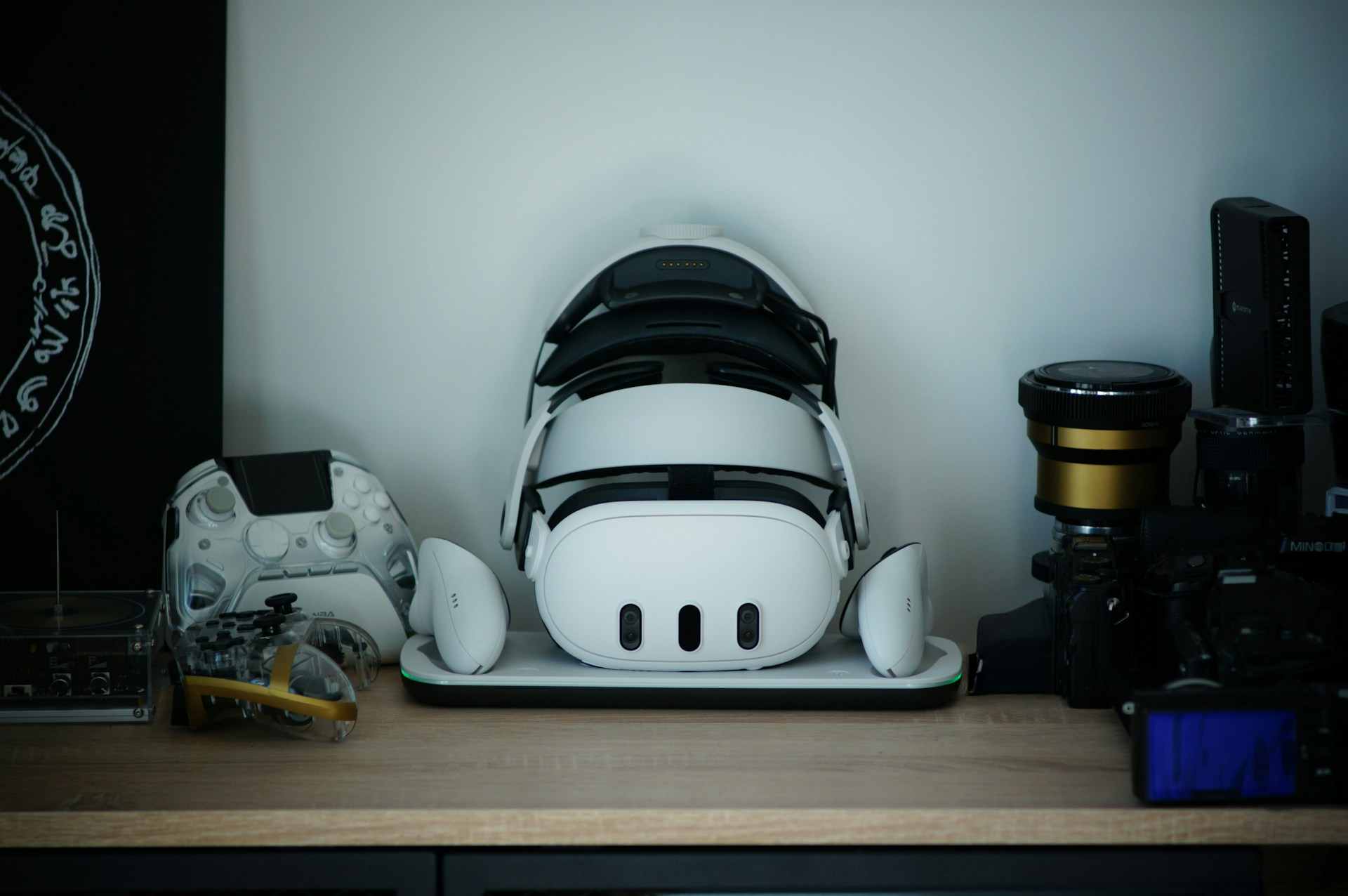
Fix Meta Quest 3 microphone not working with 9 proven troubleshooting steps: permissions, updates, audio settings, and factory reset options included.

Fix Meta Quest 3 microphone not working with 9 proven troubleshooting steps: permissions, updates, audio settings, and factory reset options included.

Poly headset microphone not working? Fix it fast with 6 proven solutions: check mute buttons, update drivers, adjust Windows audio settings, and grant mic permissions.
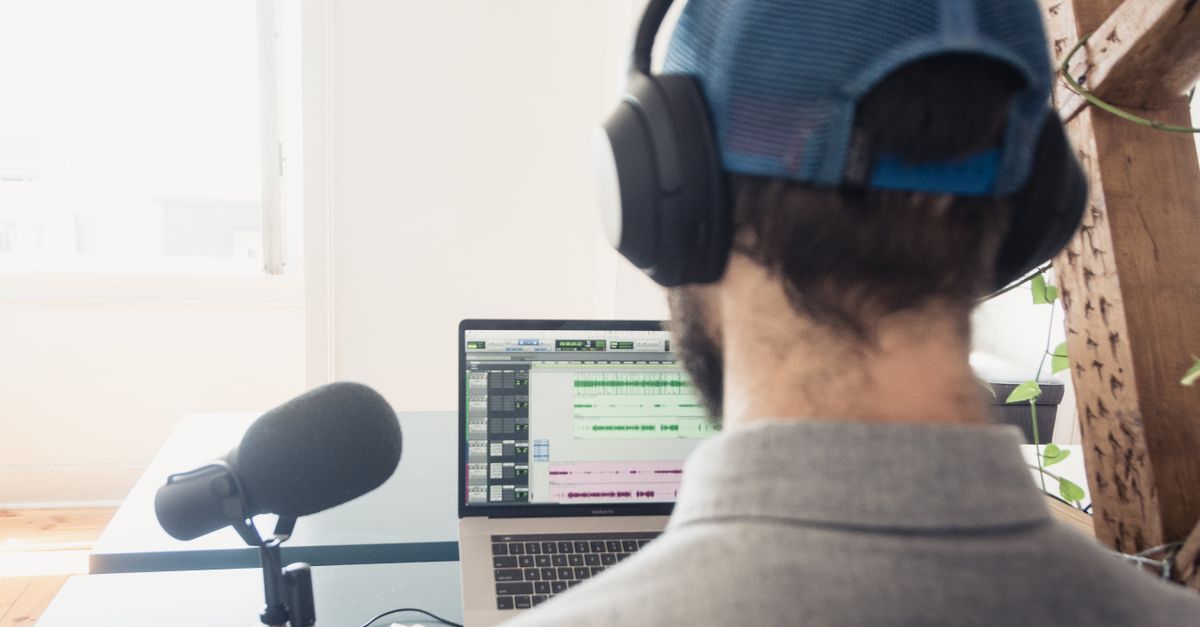
Fix Pixel Buds Pro 2 microphone not working with proven cleaning, reset, and firmware solutions. Restore crystal-clear voice for calls and meetings.
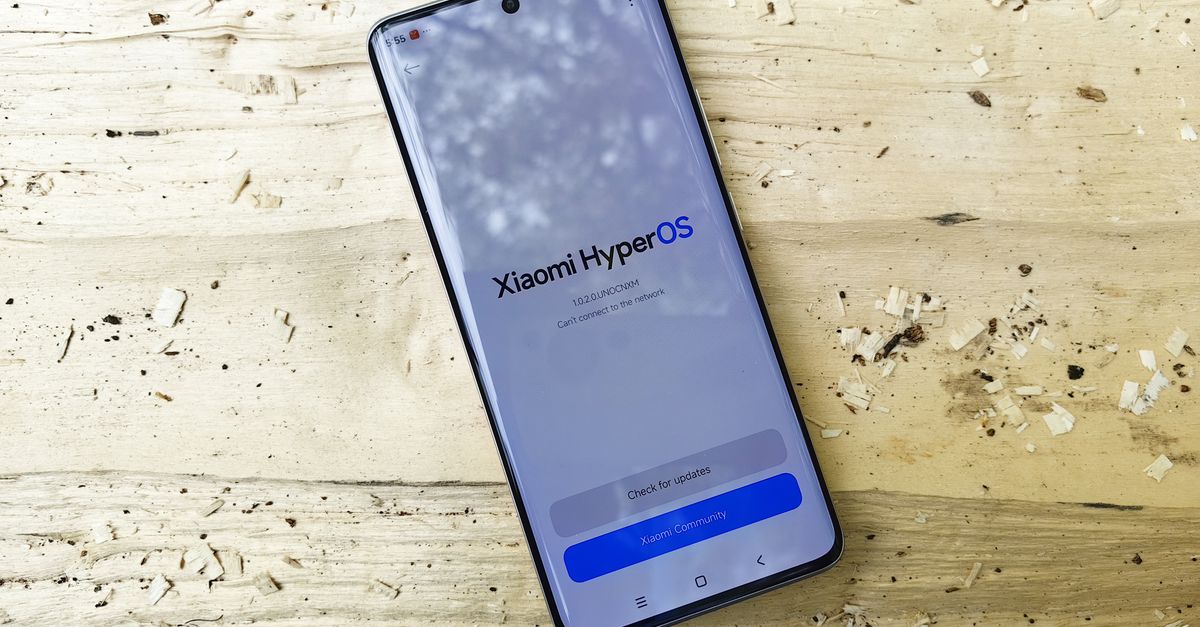
Xiaomi microphone not working? Fix physical blockages, app permissions, and software glitches with our step-by-step troubleshooting guide. Test using CIT menu & more.
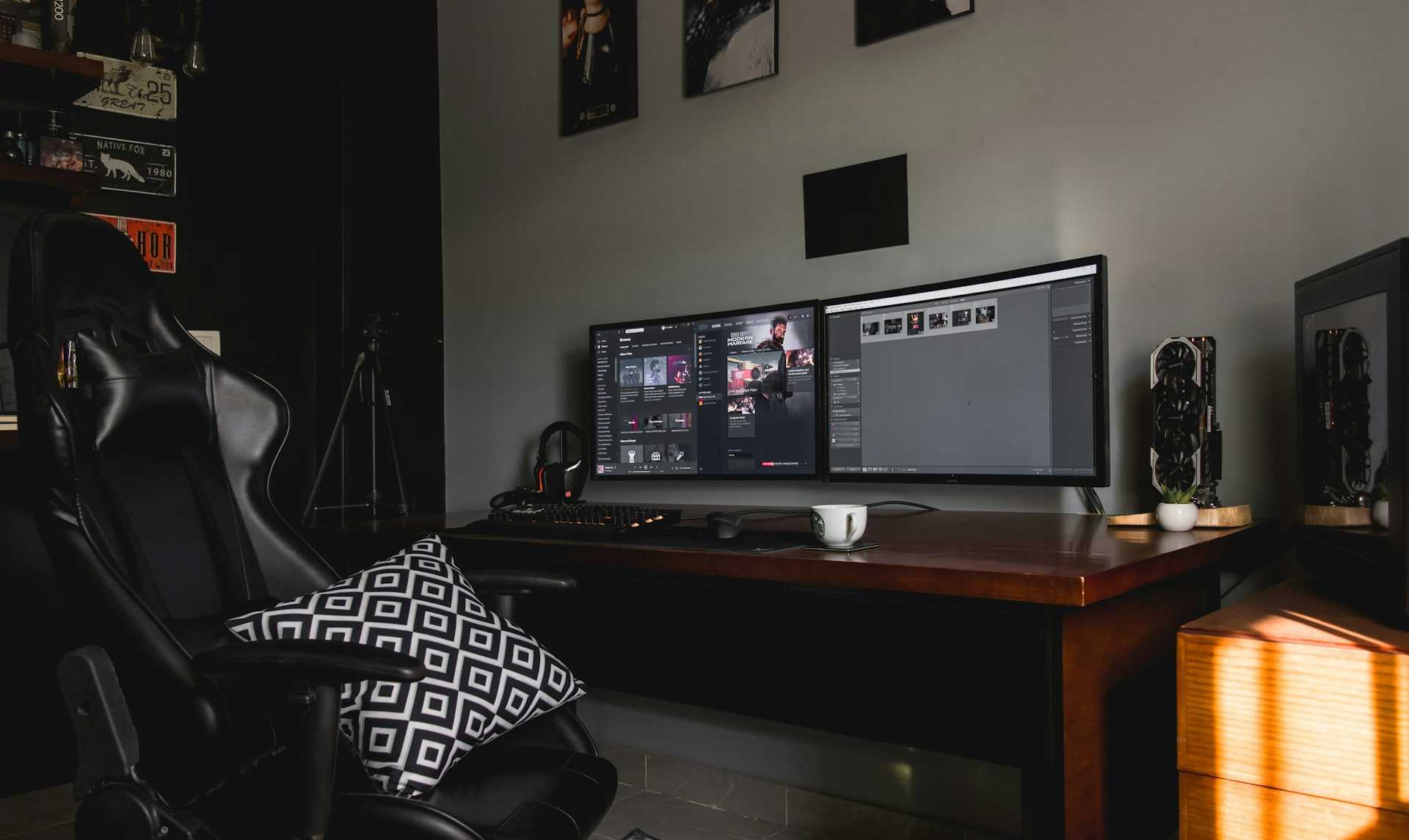
Fix Virtual Desktop microphone not working with step-by-step troubleshooting. Enable mic passthrough, set default device, fix permissions & drivers.

Ubuntu microphone not working? Fix silent input with PulseAudio, ALSA, and permission troubleshooting. Step-by-step guide to restore mic detection.
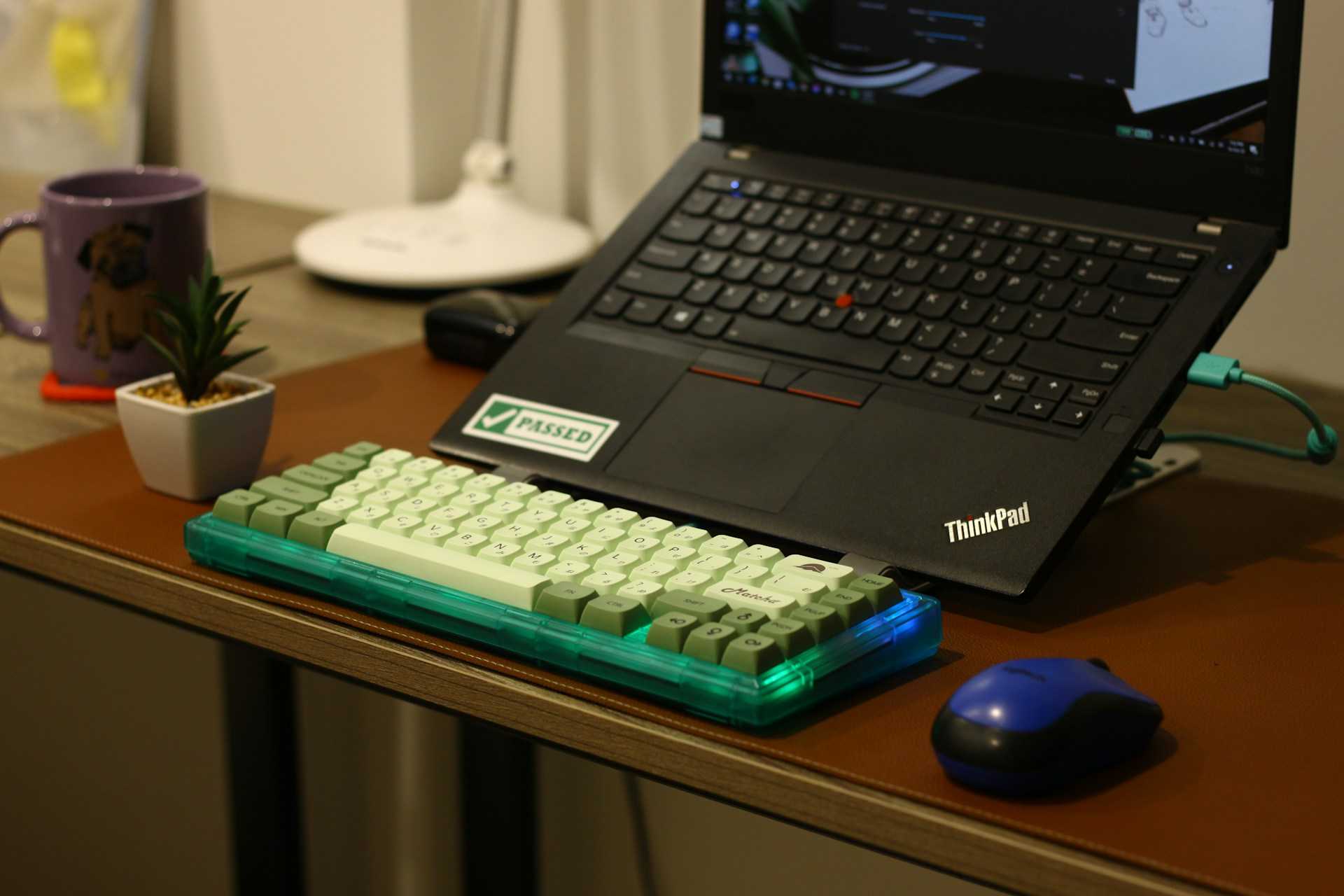
Fix ThinkPad microphone not working with 7 proven solutions. Troubleshoot mute keys, drivers, privacy settings & BIOS in under 5 minutes.
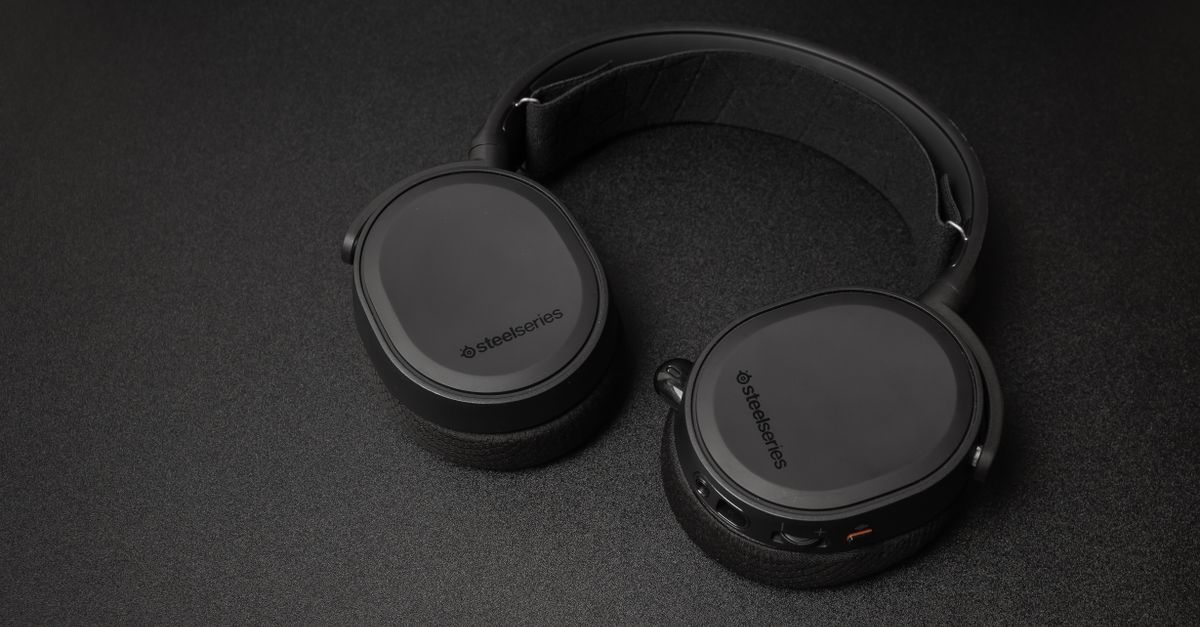
SteelSeries microphone not working? Fix mute issues, Windows settings, drivers & permissions in 2 minutes. Complete troubleshooting guide inside.
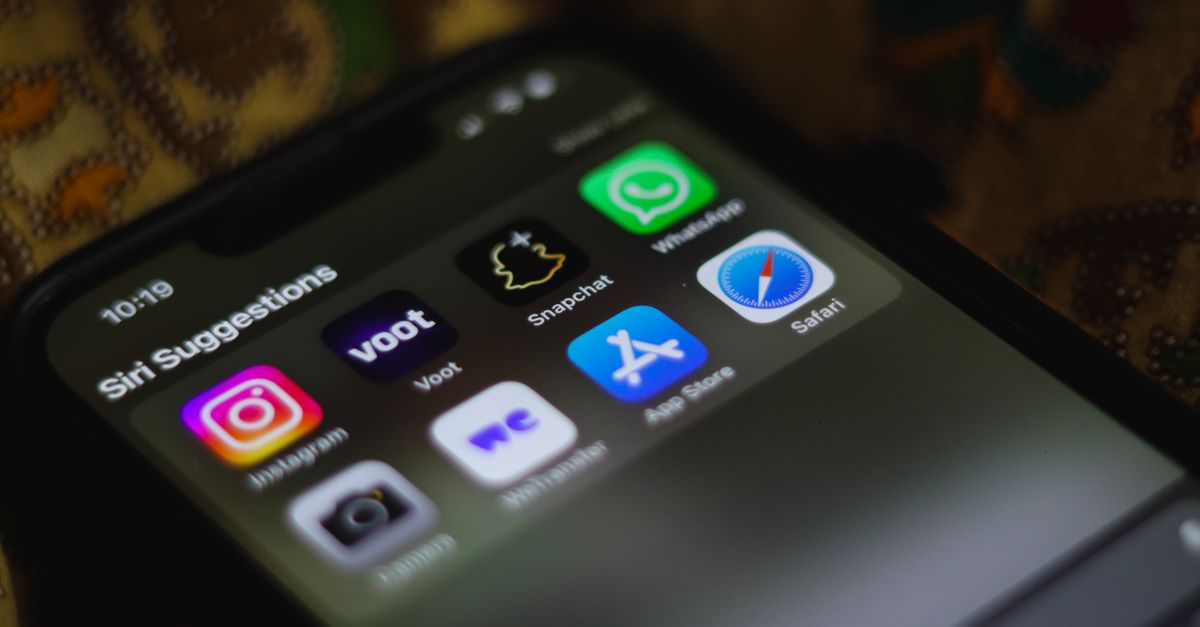
Siri microphone not working? Fix it in minutes with our expert guide covering privacy settings, hardware cleaning, software updates, and troubleshooting steps for any Apple device.
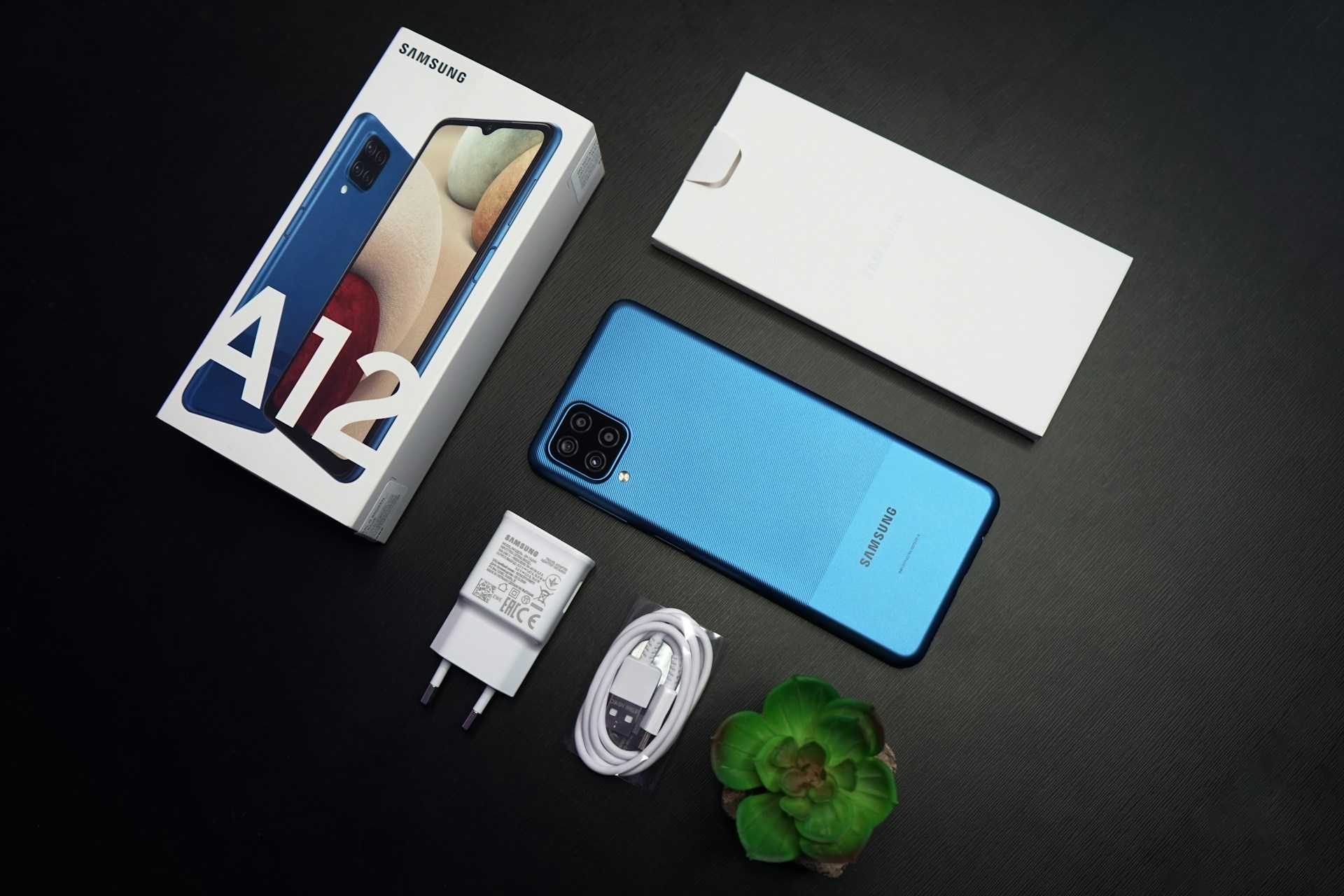
Samsung A12 microphone not working? Try quick fixes: clear pocket lint, check app permissions, use Safe Mode, or factory reset to restore clear voice input.